Sunzee1 Login and Account Recovery Guide
Sunzee1 login allows an existing member to access the dashboard, view plans, monitor balances and manage account activity. The login link is available from the platform's public homepage.
Because the account may contain personal and payment information, users should check the domain every time rather than logging in through an old referral message.
How to Log In
- 1Open the verified Sunzee1 website.
- 2Select Login.
- 3Enter the registered email address.
- 4Type the correct password.
- 5Complete any security verification.
- 6Review the dashboard and recent account activity.
- 7Log out when finished.
Do not allow a shared computer to remember the password.
How to Identify the Correct Login Page
Check:
- the exact spelling of the domain
- the HTTPS padlock
- whether the login page belongs to the same website
- whether the browser shows a security warning
- whether the form requests unusual information
A normal login form should not ask for a bank PIN, crypto seed phrase or email-account password.
Your email is the real master key
Password recovery normally depends on access to the registered email inbox, so that account deserves its own strong password.
Forgot Password Process
The official recovery page says it sends a one-time code to the user's registered email address.
To reset access:
- 1Open the password-recovery page.
- 2Enter the registered email.
- 3Request the code.
- 4Check the inbox and spam folder.
- 5Enter the code only on the verified website.
- 6Create a new unique password.
- 7Review recent activity after signing in.
Do not send the code to anyone claiming to be an agent.
Protecting the Account
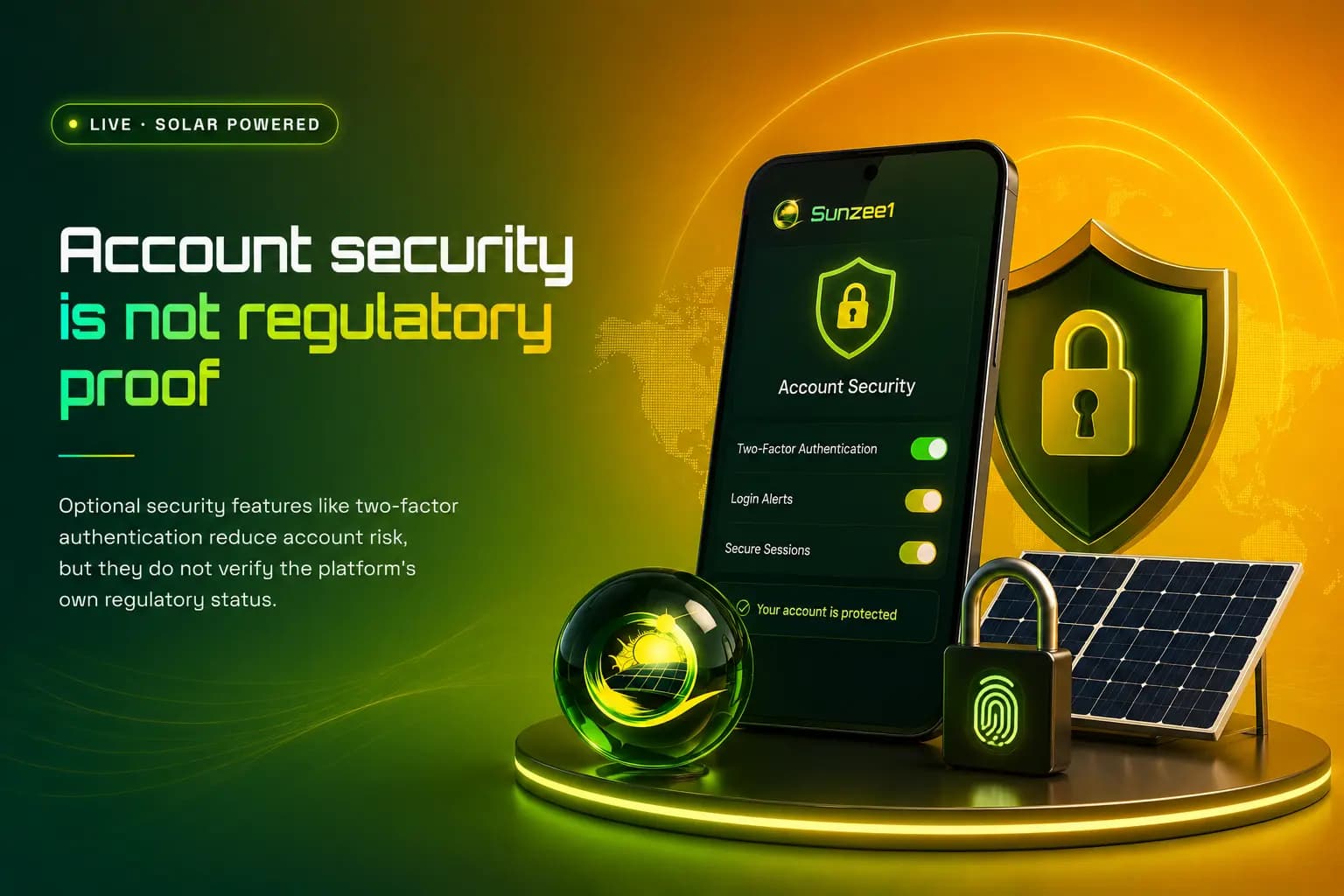
Use the security options available inside the dashboard. The platform's homepage mentions optional two-factor authentication, withdrawal whitelisting and payout monitoring.
A second code, a second layer
Two-factor authentication adds a second, time-limited code on top of the password before a login is accepted.
Additional precautions include:
- using a unique password
- securing the registered email
- avoiding automatic login on shared devices
- reviewing withdrawal details before confirmation
- changing the password after any suspicious message
- keeping screenshots of unusual activity
Check activity after every reset
Reviewing recent account activity after any password change helps confirm that no unauthorized session is still active.
Common Login Problems
Incorrect password
Check keyboard language, Caps Lock and saved-password entries. Use the official recovery option instead of guessing repeatedly.
Reset code not received
Confirm the email address and check junk folders. Wait before requesting another code.
Account page keeps loading
Clear cache, try private browsing or use another network. The plans and support areas may also require a valid logged-in session.
Browser shows a security warning
Do not continue. Close the page and verify the domain from a trusted source.
Account opens with a zero balance
Check plan status, transaction history, withdrawal records and reinvestment entries. Save evidence before contacting support.
The password was changed without permission
Reset the password, secure the email account and ask support to review active sessions and withdrawal details.
Login FAQs
Can I log in without the registered email?
Account recovery normally depends on the registered email, so keep that email active and secure.
Why does the dashboard keep loading?
The session may have expired, the connection may be unstable or the account page may require fresh authentication.
Can a referral agent reset my password?
Do not give an agent your reset code. Use the official recovery page yourself.
Does Sunzee1 offer two-factor authentication?
The homepage claims optional 2FA is available. Confirm and enable it inside the live account where possible.
What should I do after suspicious login activity?
Change the password, secure the email and verify all payment and withdrawal settings.
Conclusion
Use the Sunzee1 login page only through the verified domain. Keep control of the registered email, never share a recovery code and review account activity whenever the password is reset.